

Business Phone System Services
Business Phone System Setup
We set up business phone systems for your office, departments, and remote staff. Our business VoIP setup covers your numbers, call routing, employee extensions, greetings, and voicemail, with project delivery or managed support for local and international teams.
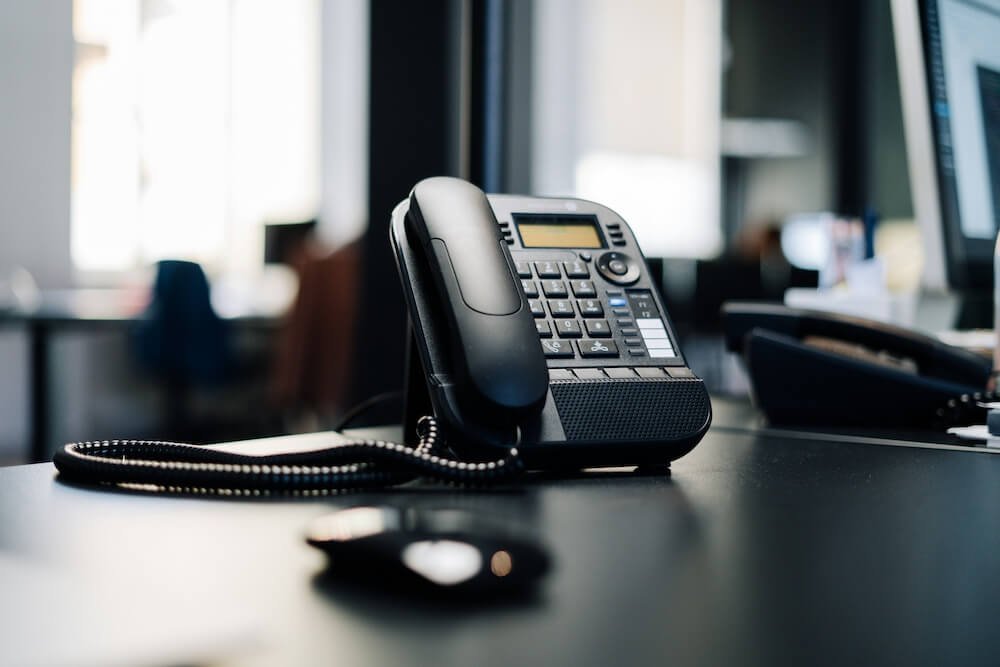
Our Phone System Specialists
We Plan, Configure, and Support Your Setup
Work with one team for provider configuration, device setup, testing, and handover. We turn your staffing, opening hours, and answering responsibilities into a working configuration your business can manage.
Our proposal sets out the equipment, access, launch plan, and support responsibilities before you commit. We can work with a suitable existing platform or configure a new one without tying every project to the same provider.
Our Business Phone Services
We Configure the System Your Team Will Use
Our business phone system setup includes numbers and extensions, call routing, greetings and voicemail, and office or remote calling. We can scope AI reception and CRM connections separately.
Your Approved Call Flow
We Test the Route From Greeting to Answer
Your team approves the destinations and fallback rules before launch. This example shows one possible route; a direct line can bypass the menu.
- Business NumberThe caller reaches your published number.
- Reception MenuSales, support, or a representative.
- Assigned TeamThe selected extension or group rings.
- FallbackA mailbox or alternate destination handles the unanswered call.
Industries We Support
Phone Systems Built Around Your Operation
We configure small business phone systems for the people responsible for enquiries, customers, and daily service delivery.
Our Technology and Integrations
We Work With the Platform That Fits Your Requirements
We configure business VoIP with platforms such as VoIP.ms, compatible SIP devices, and softphones such as Linphone. We assess other providers against your required features and administrative access.
These are supported technology examples, not official partnership claims. Specialized application connections can be scoped through our software development team.
Account Access and Calling Controls
Our configuration can include unique credentials, separate user accounts, supported authentication controls, voicemail protection, and international-calling restrictions. Access is exchanged through an approved secure method.
Outages and Emergency Calling
We document provider-supported fallback options and the limits of internet, power, and device availability. Emergency calling and registered locations must be confirmed for the selected service. Review the CRTC’s VoIP guidance; no configuration guarantees uninterrupted service.
Our Setup and Support Options
Phone System Setup or Managed Service
We quote around your users, numbers, devices, routing, recordings, and integrations. Initial costs, recurring charges, and support responsibilities are identified before work begins.
Project Setup
You hold and pay for the provider account. We handle the agreed configuration, testing, and handover, with optional support after launch.
Number rental, calling charges, platform subscriptions, equipment, and voice production are separate unless the quote includes them.
Managed Service
Ongoing administration and support can be included under a longer-term agreement. The offer specifies billing, included changes, support hours, response commitments, and additional usage fees.
Account access, number control, cancellation, and transfer arrangements are documented in the contract for the option you choose.
Our Setup Process
From Your Request to a Tested Phone System
Review Your Request
Confirm users, locations, provider access, number eligibility, and the work to be included.
Approve the Configuration
Agree the call flow, recordings, equipment, investment, and launch responsibilities.
Configure and Test
Set up the platform and check audio, transfers, waiting rules, and message delivery.
Launch and Handover
Complete the agreed switch, provide staff guidance, and begin any contracted support.
Where We Work
Local and International Phone System Projects
Based in St. Catharines, we support businesses across Niagara, including Thorold, Niagara Falls, and Welland, and throughout Hamilton, Burlington, Mississauga, Toronto, and the wider GTA.
We also work with clients outside Canada through remote configuration where the provider, calling plan, and access allow it. On-site work, equipment installation, and travel are confirmed in the proposal.
FAQs
Business Phone System Questions
Can you keep our existing business number?
We check transfer eligibility with the receiving provider before including a number move. Keep the current service active until the transfer is confirmed. Provider requirements and processing schedules affect the launch date.
Can you improve the phone system we already use?
Yes, subject to administrative access and platform capability. We can quote for changes to the existing configuration without assuming that you need a new provider.
How long does setup take?
We confirm the timeline after reviewing users, hardware, recordings, access, and any number transfers. A provider migration or custom integration may need a staged launch.
Do we need to buy desk phones?
Not necessarily. Compatible mobile or desktop calling apps may meet your requirements. We assess your existing devices and quote for any additional equipment before it is ordered.
Can I use my business number on an iPhone or Android phone?
We can set up a compatible mobile calling app so approved users can make and receive business calls away from the office. App availability and features depend on the provider and plan; we confirm those details before setup.
Can an AI receptionist be added later?
We can review it as a separate phase. Platform compatibility, transfer behaviour, data handling, usage costs, and access to other systems must be checked first.
Are call recording and transcription included?
We scope call recording and transcription separately. Before activation, our team confirms provider capability and how notices or consent, storage, retention, and access will be handled.
What does ongoing support cover?
Our support agreement sets out which user changes, routing adjustments, troubleshooting, and provider coordination we handle. We confirm support hours and response commitments before work begins; 24/7 support is not included by default.